Our Top Courses

There are no shortcuts, but there is a better way to get there. Let us show you how.

About Course
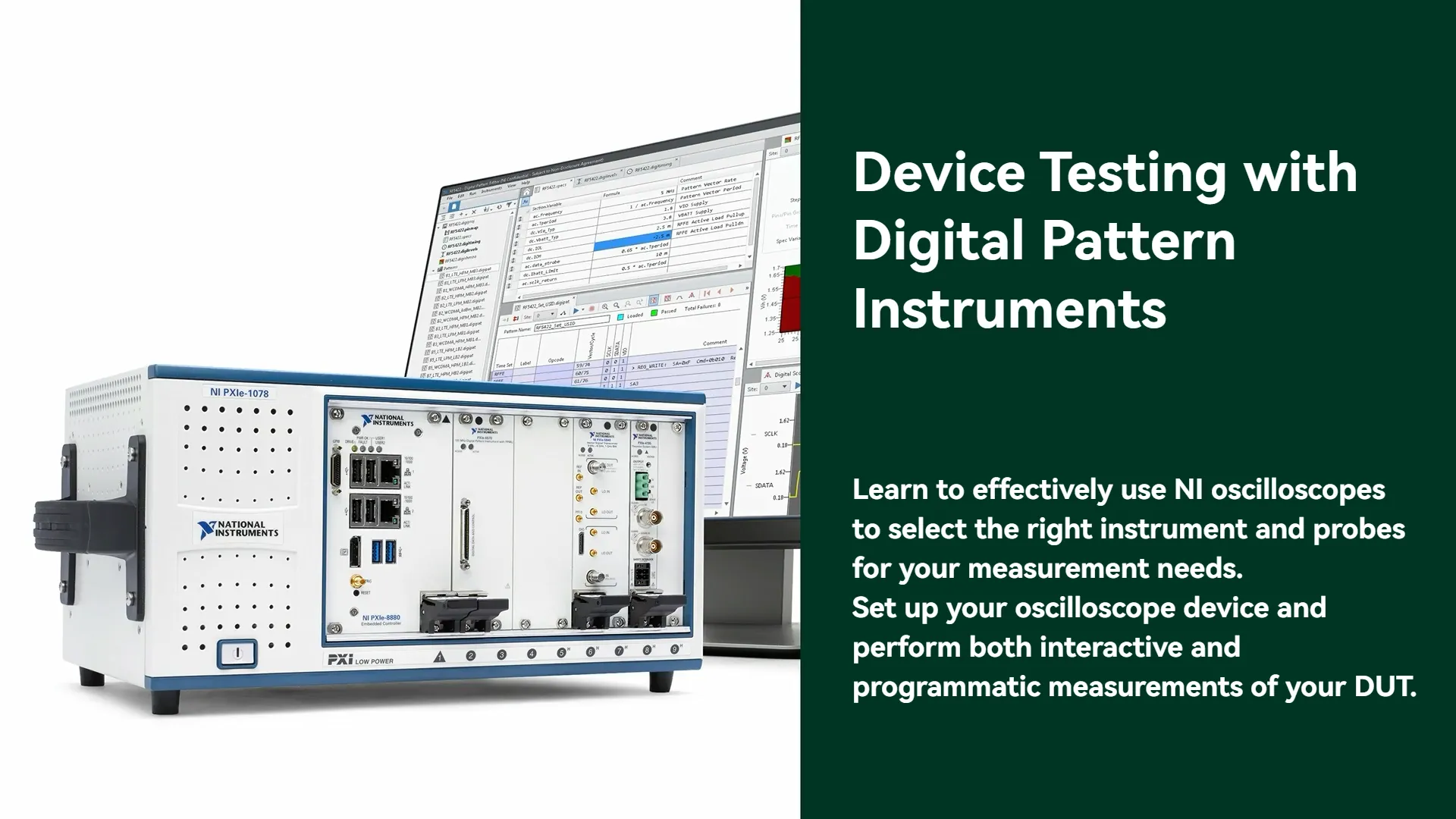
The Device Testing with Digital Pattern Instruments course enables Test and Validation Engineers to perform characterization and production test of semiconductor devices with digital pattern instruments. The course will focus on how digital pattern instruments and the Digital Pattern Editor can be leveraged to perform common device tests, with a focus on DUT communication, digital interface testing, and continuity and leakage testing. The course will guide the learner through the complete test workflow, from calibration and debugging to extending tests into a test executive.
Benefits of the course
- Create and edit all elements required to burst a digital pattern to your DUT, including pin maps, level sheets, timing sheets, and pattern files
- Test DUT modes of operation with SPI commands
- Validate DUT communication via register readback testing
- Validate DUT timing by interfacing with external test equipment
- Validate DUT pin connections via continuity and leakage testing
- Utilize opcodes to establish flow control within patterns
- Use source and capture waveforms to simplify pattern structure and store data
- Synchronize your digital pattern instrument with other instruments in your systems
- Use History RAM reports, Shmoo plots, and digital scope to perform debugging activities
- Calibrate your instruments and correct for any cable skew
- Import a pattern into a test executive
Course Content
-
Introduction
00:28 -
Introducing PXI Digital Pattern Instruments
01:29 -
Demonstration: Creating and Bursting a Digital Pattern
02:57 -
Knowledge Check
-
Summary
00:11
-
Introduction
00:21 -
Exploring Pin Maps
00:34 -
Demonstration: Creating and Editing Pin Maps
06:28 -
Knowledge Check
-
Summary
00:15
-
Introduction
00:32 -
Exploring Specifications Sheets
01:30 -
Demonstration: Editing Specifications Sheets
02:05 -
Knowledge Check
-
Summary
00:24
-
Introduction
00:25 -
Exploring Pin Levels Sheets
01:06 -
Matching Activity
-
Demonstration: Editing Pin Levels with Digital Pattern Editor
01:07 -
Knowledge Check
-
Summary
00:18
-
Introduction
00:35 -
Exploring Timing Sheets
03:34 -
Matching Activity
-
Demonstration: Editing Time Sets
06:06 -
Knowledge Check
-
Summary
00:22
-
Introduction
00:42 -
Introduction to Patterns
06:36 -
Demonstration: Editing Patterns in Grid View
09:13 -
Working with Patterns
06:07 -
Demonstration: Using Edge Multipliers in Patterns
05:20 -
Knowledge Check
-
Summary
00:26
-
Introduction
00:40 -
Exploring the Digital Pattern Instrument Software Flow
02:04 -
Creating a Session and Controlling States
-
Editing Pin Maps with the NI-Digital Pattern API
-
Demonstration: Editing Pin Maps
-
Editing Pin Levels with the NI-Digital Pattern API
-
Demonstration: Editing Pin Levels
-
Editing Time Sets with the NI-Digital Pattern API
-
Demonstration: Editing Time Sets
-
Loading Files with the NI-Digital Pattern API
-
Demonstration: Loading Files
-
Matching Activity 1
-
Matching Activity 2
-
Knowledge Check
-
Summary
00:31
-
Introduction
00:30 -
Exploring SPI Communication
02:06 -
Demonstration: SPI Communication with the Example DUT
13:40 -
Knowledge Check
-
Summary
00:20
-
Introduction
00:30 -
Introducing Register Readback Testing
00:50 -
Demonstration: Register Readback Testing
05:58 -
Knowledge Check
-
Summary
00:14
-
Introduction
00:25 -
Introducing DUT Timing Validation
01:37 -
Demonstration: Validating the Timing of an Example DUT
02:18 -
Knowledge Check
-
Summary
00:15
-
Introduction
00:36 -
Introduction to Continuity and Leakage Testing
00:31 -
Exploring Pin Parametric Measurement Unit (PPMU) Fundamentals
00:46 -
Demonstration: Performing Continuity and Leakage Tests
-
Knowledge Check
-
Summary
00:26
-
Introduction
00:44 -
Introducing Opcodes in Digital Pattern Editor
01:08 -
Using Repeat and Loop Opcodes in Pattern
01:38 -
Demonstration: Using Repeats and Loops
04:43 -
Exploring Jump and Call Opcodes
01:04 -
Demonstration: Calling Patterns
03:37 -
Using Conditional Behavior
01:22 -
Demonstration: Match Opcode in Patterns
00:54 -
Exploring Sequencer Flags and Registers
02:04 -
Matching Activity 1
-
Knowledge Check
-
Summary
00:16
-
Introduction
01:09 -
Exploring Source Waveforms
02:31 -
Configuring Serial Source Waveforms
01:57 -
Creating and Writing Serial Source Waveforms Programmatically
-
Using Serial Source Waveforms in Patterns
01:16 -
Exploring Source Pin State Replacement
02:18 -
Loading and Unloading Source Waveforms
02:16 -
Demonstration: Configuring Serial Source Waveforms
08:34 -
Configuring Parallel Source Waveforms
00:50 -
Creating and Writing Parallel Waveforms Programmatically
-
Using Parallel Source Waveforms in Patterns
01:04 -
Demonstration: Using Parallel Source Waveform in Pattern
04:59 -
Source Bandwidth Considerations
01:16 -
Knowledge Check
-
Summary
00:42
-
Introduction
00:54 -
Exploring Capture Waveforms
01:08 -
Configuring Serial Capture Waveforms
00:41 -
Configuring Serial Capture Waveforms Programmatically
-
Configuring Parallel Capture Waveforms
00:21 -
Configuring Parallel Capture Waveforms Programmatically
-
Using Capture Waveforms in Patterns
01:03 -
Loading and Unloading Capture Waveforms
01:22 -
Demonstration: Configuring Capture Waveforms
07:23 -
Capture Waveform Considerations
00:57 -
Knowledge Check
-
Summary
00:48
-
Introduction
00:52 -
Exploring History RAM
00:52 -
Demonstration: Configuring History RAM
01:47 -
Demonstration: Viewing and Exporting History RAM Results
04:20 -
Using NI-Digital History RAM API
-
Memory and Bandwidth Considerations
04:15 -
Knowledge Check
-
Summary
00:34
-
Introduction
00:50 -
Exploring Digital Scope
00:55 -
Configuring and Using Digital Scope
00:25 -
Demonstration: Configuring and Using Digital Scope
02:26 -
Knowledge Check
-
Summary
00:45
-
Introduction
00:51 -
Exploring Shmoo Plots
00:58 -
Demonstration: Configuring Shmoo Plots
02:20 -
Exploring Shmoo Plot Execution Modes
01:09 -
Demonstration: Running a Shmoo Test
00:59 -
Knowledge Check
-
Summary
00:50
-
Introduction
01:15 -
Generating Triggers Interactively
01:49 -
Generating Triggers Programmatically
-
Demonstration: Using Events to Send Triggers to Other Instruments
-
Using NI-TClk with Multiple Instruments
-
Detecting Match or Fail Conditions
02:57 -
Detecting a Matched or Failed Condition Across Instruments
-
Synchronization Methods Overview
01:56 -
Matching Activity
-
Knowledge Check
-
Summary
00:39
-
Introduction
01:07 -
Configuring Time Domain Reflectometry
01:51 -
Configuring TDR with NI-Digital Pattern API Programmatically
-
Demonstration: Visualizing Time-Domain Reflectometry
02:19 -
Connecting DUT Ground Sense
02:13 -
Calibrating Digital Pattern Devices
03:01 -
Knowledge Check
-
Summary
00:32
-
Introduction
00:39 -
Exploring Scan Patterns
03:16 -
Demonstration: Using the Scan Opcode in Patterns
01:46 -
Knowledge Check
-
Summary
00:42
$515.00
$650.00
- Lessons128
- Quizzes26
- Skill LevelIntermediate
- LanguageEnglish
- Course Duration 5h
Tags
Target Audience
- Test Engineers performing semiconductor device characterization and production test.
Device Testing with Digital Pattern Instruments
$515.00
$650.00
Hi, Welcome back!